FastBook - One-Click Amazon Relay Booking
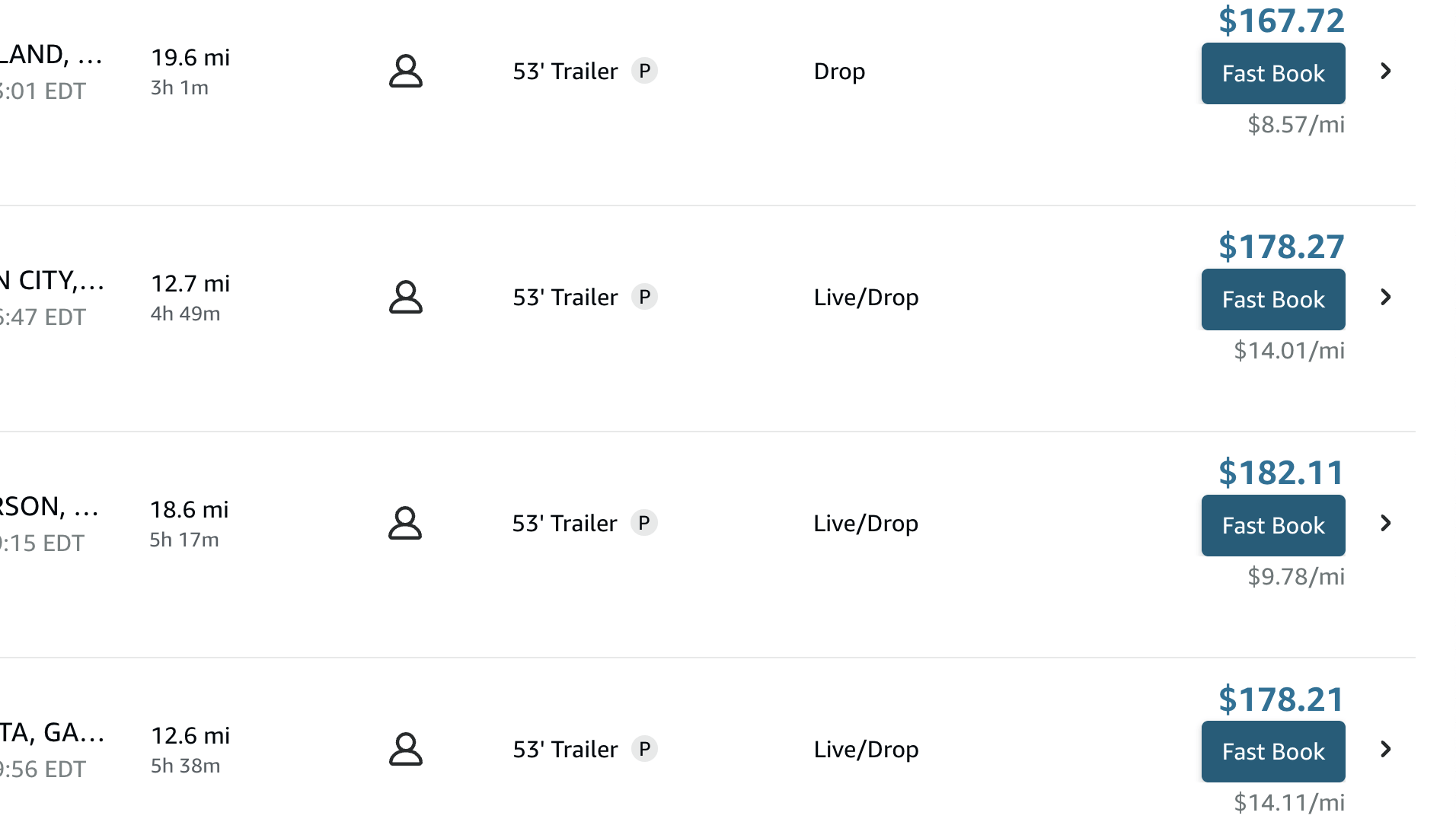
FastBook books a trip with a single click, straight from the card - no opening the confirmation panel and clicking through it. When you click, Rocket plays a “trying” sound, sends the booking, and tells you “booked” or “not booked” with the reason. It is free on matched (highlighted) trips, and Pro adds a FastBook button to every trip.
How it works
- Run Alert or Search mode so trips get highlighted.
- A FastBook button appears on the highlighted trip’s card.
- Click it once. Rocket sends the booking right away and plays the “trying” sound.
- You hear “booked” on success or “not booked” if it did not go through, and a notice shows the result (with the reason if it failed, such as the load already being taken).
Because FastBook skips the manual panel, you book in one click instead of several - handy when a good load shows up and you want it before someone else does.
FastBook vs Auto-book
Both book trips; the difference is who clicks.
| FastBook | Auto-book | |
|---|---|---|
| Who clicks | You, one click | Rocket, on its own |
| Best for | Hand-picking loads fast | Hands-free grabbing of matches |
| Plan | Free on matched trips | Pro |
FastBook on every trip
Turn on FastBook for every trip in Settings to show the one-click button on all trip cards, not just matched ones. Useful when you want to book by hand but still book fast, without running any automation.
Common questions
Could it book the wrong load? No. It books exactly the trip whose card you clicked.
Why did a FastBook try fail? Usually the load was already taken, you got signed out of Relay, or Amazon was briefly throttling activity (too many fast requests). The notice shows the specific reason.
Related: Modes · Filters · Is auto-booking safe?